

Getting Started
Answers to frequently asked content access questions can be found below. If you require additional support, please contact your CLL admin, or email help@cllsy.ca. You can also download this information in PDF format below.
Navigating the Homepage
When you log in for the first time, you will be directed to the Learner Homepage, as shown below. Every learner’s page might look slightly different, depending on their agency’s individual settings but the core things are universal:
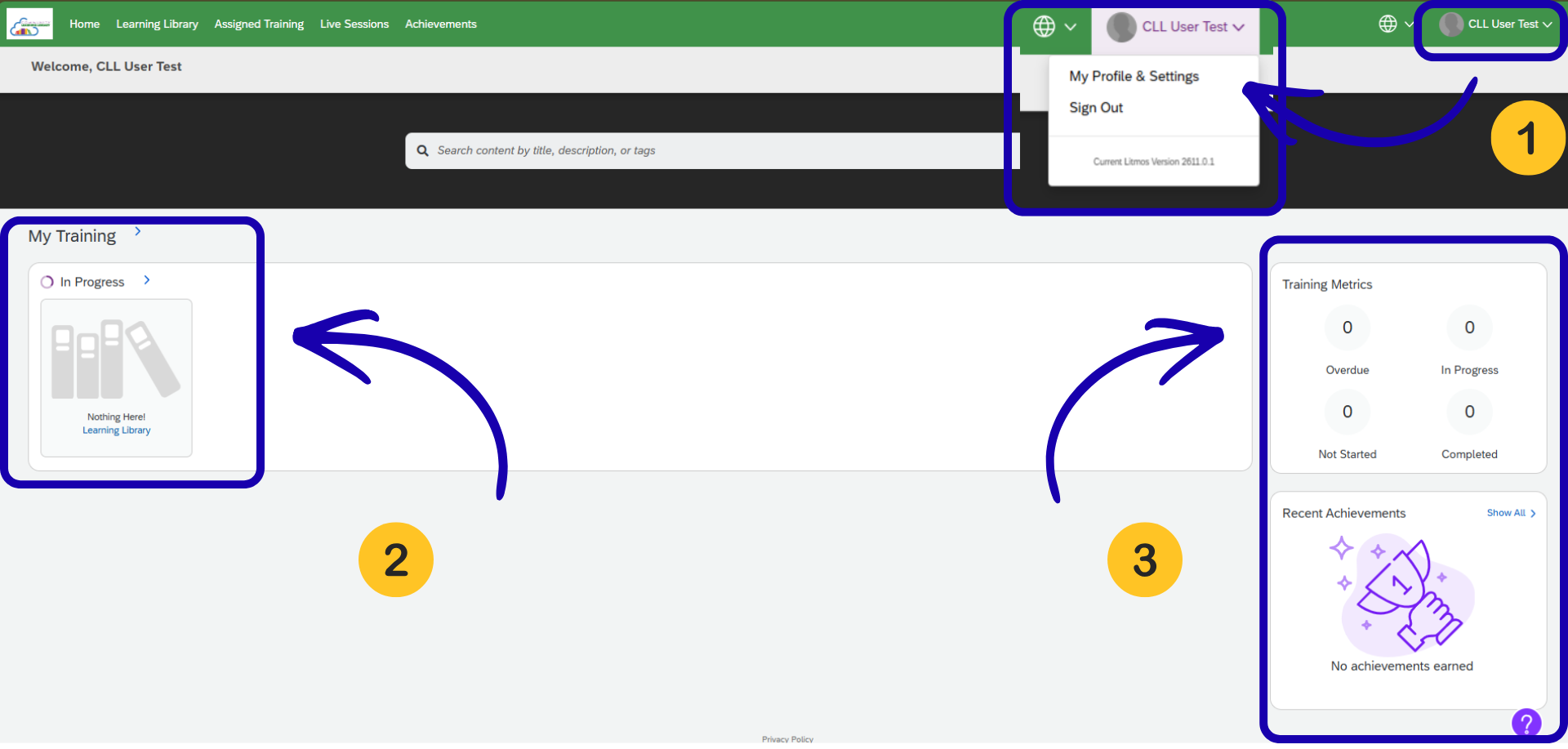
1. Profile & Settings– access your personal learner profile from the top right corner of the screen as shown. Under profile and settings, you can edit any personal information you would like*.
2. My Training– if your agency has assigned you any courses, they will show up here, as well as your progress within the course. Once you begin exploring the Learning Library (see below), and self-registering for courses, your progress will also appear in this section.
3. Training Metrics– as you progress through your assigned training, your stats and achievements will appear here.
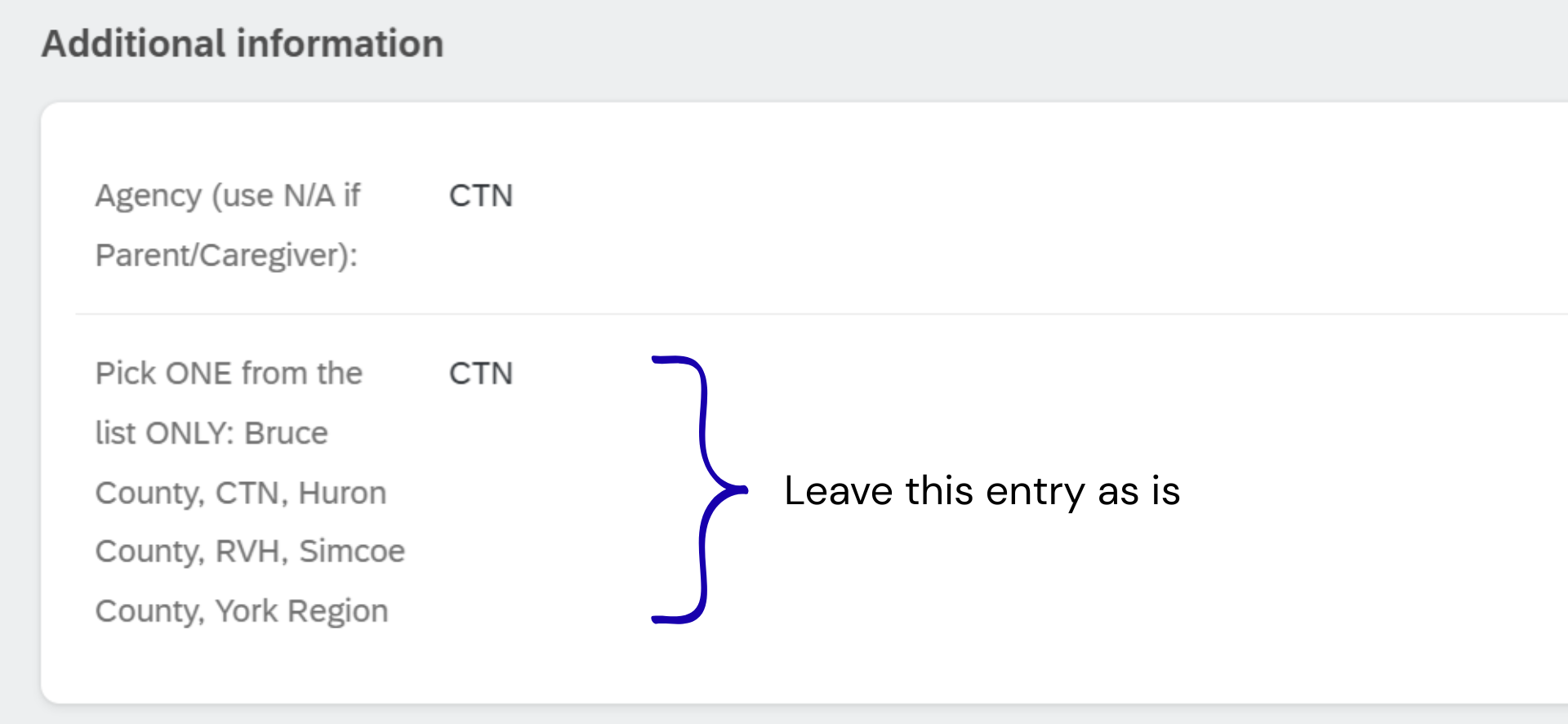
*Note: Please do not modify the last question of your profile, under the heading Additional Information, as shown on the image on the right. This is used for internal information tracking.
Using the Learning Library
This short video will show you how to access the Learning Library and find open content.
Start Exploring!
Now that you have successfully logged in and oriented yourself to the Learning Library, start learning by checking out some of the featured content under the CLL Content tab of this site. You will find our most popular offerings under the themes of Resources for Families, Professional Development Courses, as well as a selection of French-Language Materials.